SoloMD 5.0 — Writing first. Tools out of the way.
Over four major releases SoloMD grew from a fast native Markdown viewer into a PKM workspace with inline AI, an agent runtime, a knowledge graph, and image hosting. In 5.0 we stepped back and redesigned every screen so your words take center stage again — and added three zero-knowledge personal cloud drive encrypted backup & sync modes.
1. A quieter window on desktop, a real mobile app on phones
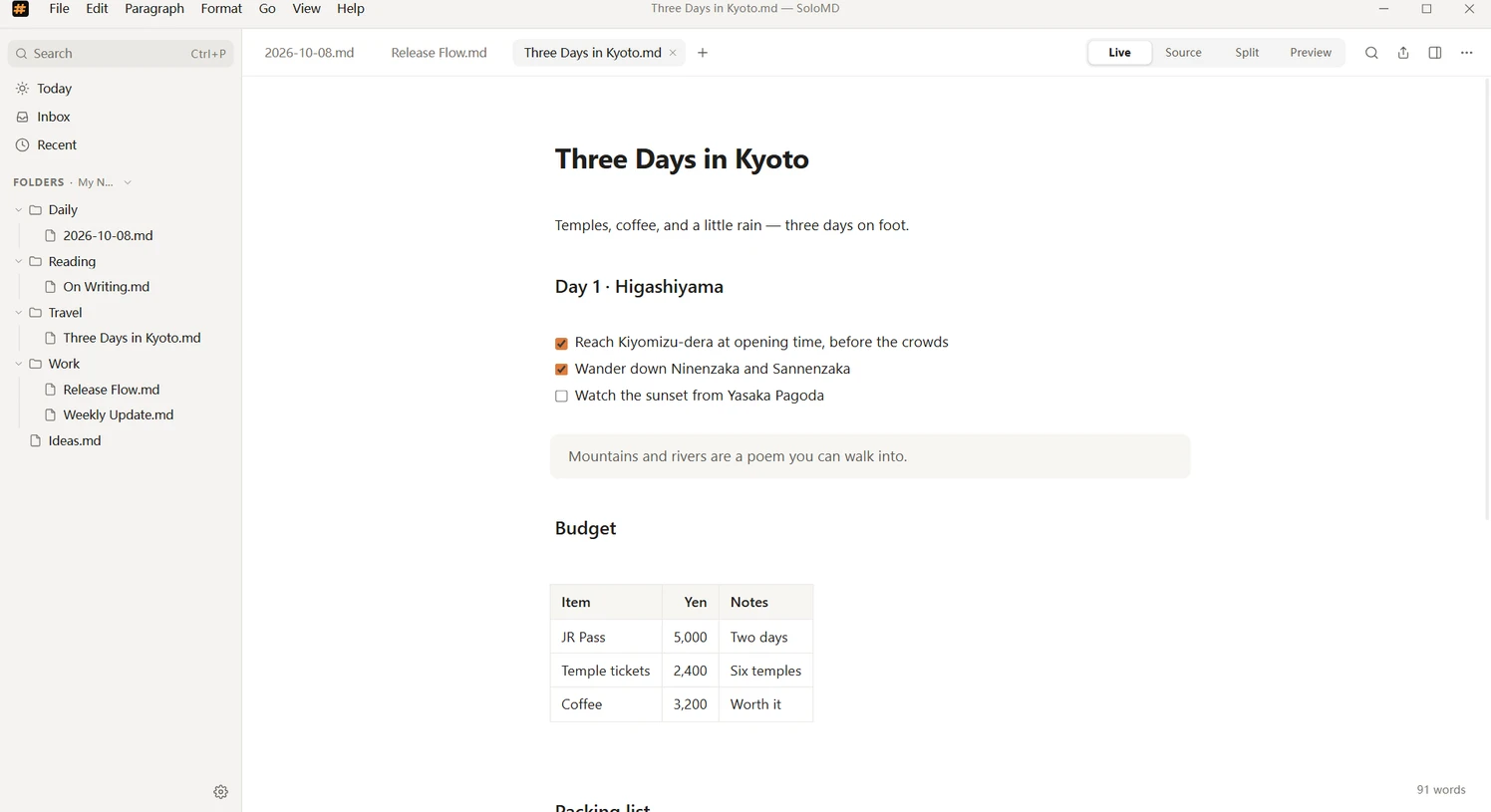
On macOS, Windows, and Linux, the multi-row chrome folds into a single calm header bar with one-click switching between Live, Source, Split, and Preview. The bottom status bar becomes a subtle word-count pill, and a floating selection bubble puts bold, link, highlight, heading, and quote right next to the phrase you select.
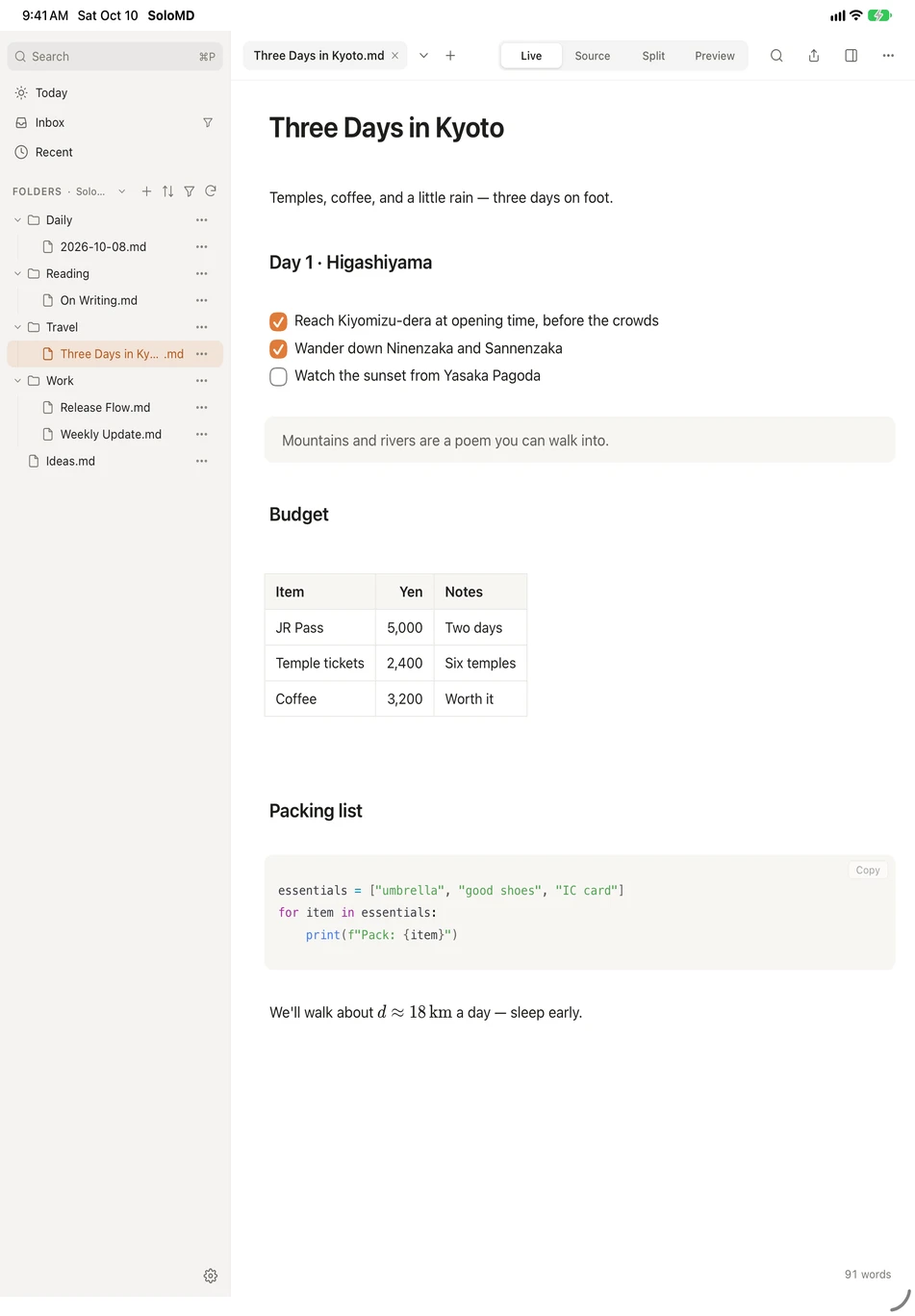
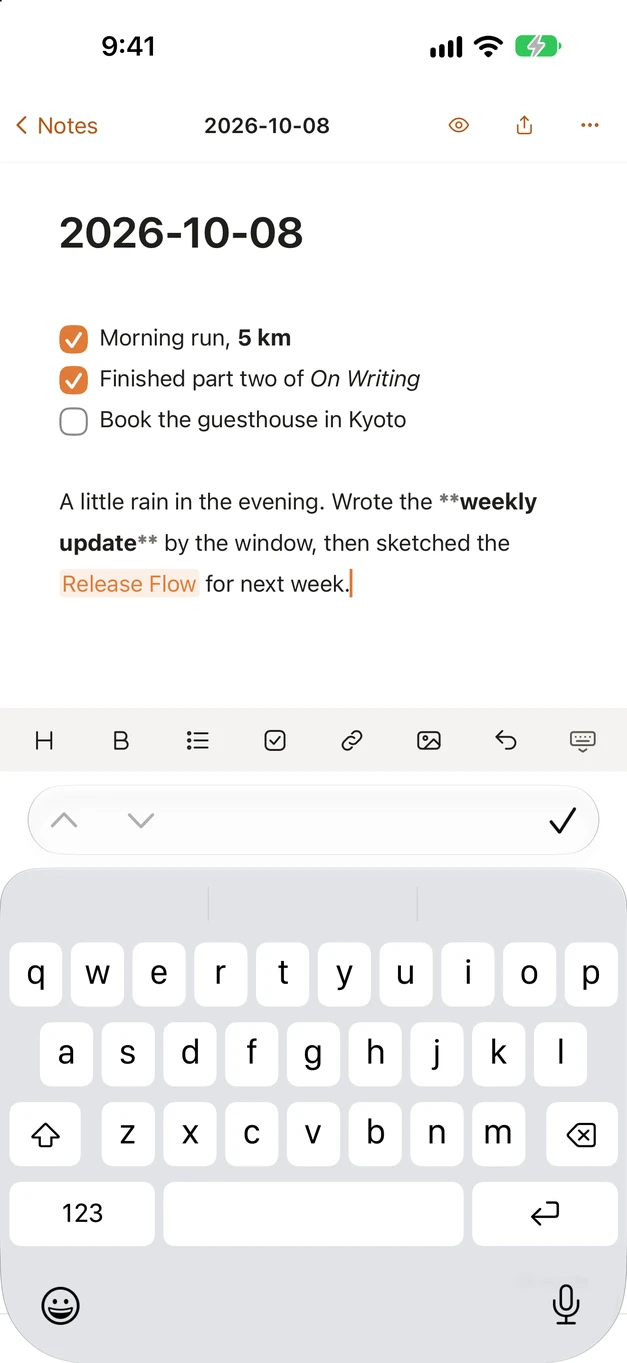
On iPhone and Android, SoloMD 5.0 opens to a dedicated Notes Home Screen with instant bottom search and one-tap note creation, while iPad gets an adaptive slide-over drawer and full hardware-keyboard shortcut support.
2. Personal Cloud Drive E2EE Backup & Multi-Device Sync (3 Modes)
Sponsored by community supporter tyysoft (太阳雨), SoloMD 5.0 introduces three end-to-end encrypted (Argon2id + XChaCha20-Poly1305) personal cloud drive backup and sync workflows in Settings › Sync:
- Local Cloud Drive Encrypted Vault: point SoloMD at any local sync folder managed by OneDrive, iCloud Drive, Dropbox, Google Drive, Baidu Netdisk, Aliyun Drive, Quark Drive, or Nutstore. Every note is encrypted into
.encciphertext before touching your cloud drive folder. - Direct Cloud Drive OpenAPI: clientless, zero-knowledge archive sync (
solomd-vault.enc, hiding even filenames and directory trees) directly against Microsoft OneDrive Graph API, Dropbox API, Baidu Netdisk OpenAPI, and Aliyun Drive OpenAPI. - WebDAV E2EE Sync: end-to-end encrypted workspace sync over WebDAV for Nutstore (坚果云), Nextcloud, ownCloud, Synology NAS, and AList / OpenList.
3. One-click in-app updates & deep editor polish
SoloMD 5.0 also brings one-click in-app installer download & launch (with automatic Gitee mirror routing for users in mainland China), Excel/WPS table paste to Markdown, two-stage Ctrl/⌘+A and automatic fence-indentation alignment when copying or pasting inside indented code blocks, MRU tab switching (Ctrl+Tab), and LanguageTool grammar checking.